
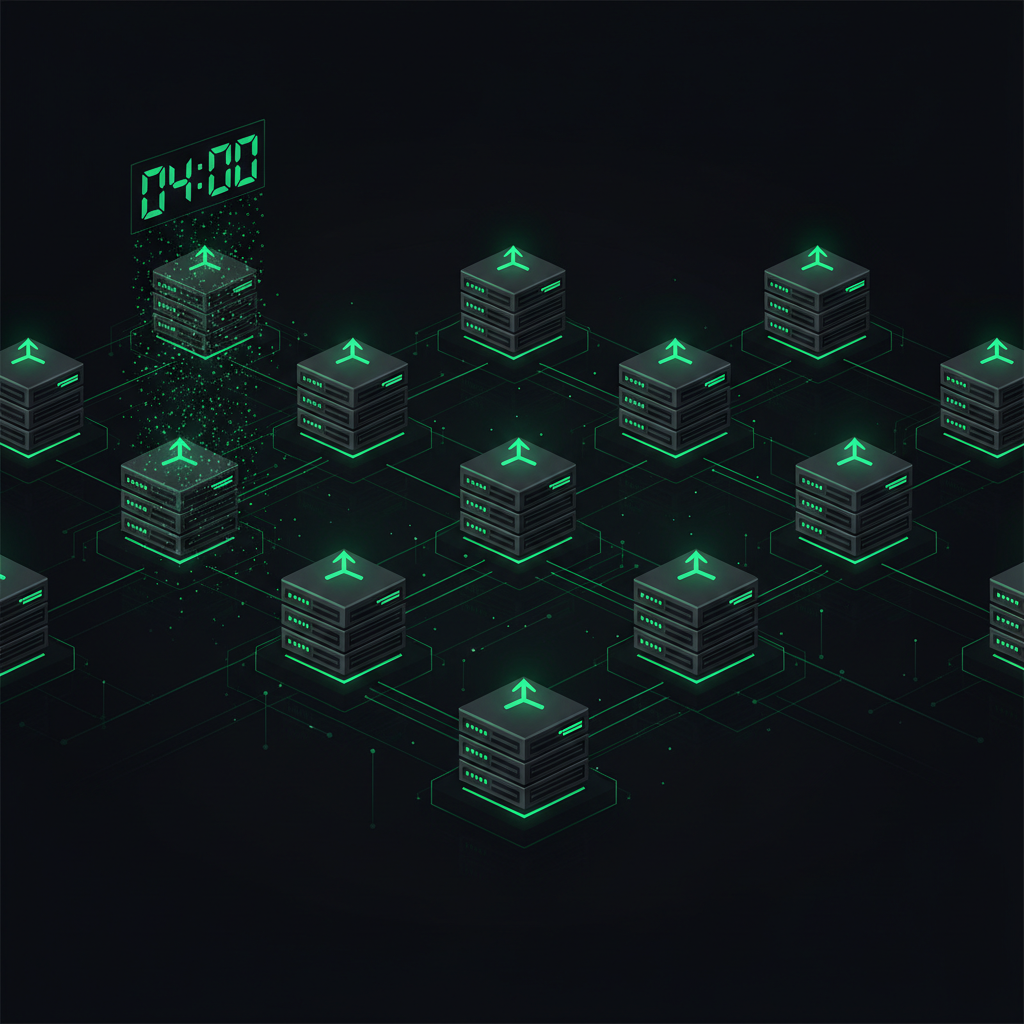
There's a category of work that's deeply boring but quietly dangerous to skip: keeping things updated. Newton is sold as a managed server — customers pay monthly and get their own private VPS with a ready-to-use AI agent on top. I handle all of it. They never touch a terminal; they just talk to their AI and tell it what to do. But when I logged into a customer box the other day for a routine check, I found one thing I'd been quietly neglecting since day one.
Claude Code — the actual AI engine running on every single customer's server — was stuck on an old version.
The Problem: Customers' AI Was Frozen at the Version They Signed Up With
Anthropic ships new versions of Claude Code constantly — sometimes two or three releases in a single week. Each one brings new features, bug fixes, speed improvements, and occasionally a brand-new model.
Here's what I'd missed: when I provision a new customer's server, the setup installs whatever version of Claude exists that day — and then it just... stops there. It stays frozen on that exact version forever. A customer who signed up a month ago was running something older than a customer who signed up yesterday. Nobody's AI was getting any newer.
I went through all 20 active boxes one by one. Several were stuck on version 2.1.92 while the latest at the time was 2.1.154 — dozens of releases behind.
This flatly contradicts what Newton promises. I tell customers "you never have to manage infrastructure" — and then I let the literal heart of the system rot on an old build. Updating the AI should never be a chore the customer has to remember to do every week.
What I Asked My AI to Do
I gave Tim — my own AI agent, the one that actually runs the business — a short instruction: "Make Claude on every customer server update itself automatically, and make sure every new signup updates itself from day one too."
Sounds trivial, right? Just set up a cron job that runs the update command once a day. One line per machine.
The command itself really is this short:
npm install -g @anthropic-ai/claude-code@latest
Drop that into cron, run it at 4 AM every day (when customers aren't working), done. But the moment Tim actually started doing it, he hit a trap that could have broken every customer at once.
The Trap: The Popular Way to Add a Cron Job Wipes Out the Existing Ones
This is the part that matters, because it's the difference between "an AI that follows instructions literally" and "an AI that thinks before it acts."
A Newton customer's server is not an empty box. A lot of customers have told their own AI to set up plenty of cron jobs of their own. One machine Tim looked at had 144 cron jobs running the customer's automated Facebook-posting system.
The way most people — and a lot of AIs — add a cron line looks like this:
(crontab -l; echo "new line") | crontab -
On the surface it looks correct: take all the existing cron jobs, add the new line, write it all back. But Tim didn't trust it. He tested it first on a throwaway machine — and found that in some environments this subshell-pipe approach writes back an empty crontab. Just wipes everything.
Think about what that means. If Tim had fired that command at the customer with 144 cron jobs, their entire Facebook automation would have vanished overnight. And they wouldn't even know why their pages had gone silent until they went digging themselves.
This is exactly why I keep drilling it into Tim: on a customer's server you have to be extra careful, because it isn't our sandbox — it's someone else's real, running business. The simplest-looking command is often the one that does the most damage. (The same crontab caution saved me later when every cron on my own server suddenly fired 7 hours early and Tim had to rewrite the whole crontab without breaking it.)
The Safe Way: Temp File + Dedup
Tim switched to a safer approach. Instead of piping straight into crontab, he did it in steps:
One — pull all the existing cron jobs out, filter out our own line (in case it was added before), and write the result to a temp file. Two — append our update line to that file. Three — load the crontab from the file.
The result: every one of the customer's existing cron jobs stays intact, our single line gets added, and no matter how many times it runs it never stacks up duplicates (because it always strips the old copy first). The technical word for this is idempotent — run it once or a hundred times, the outcome is identical, and it's always safe to run again.
Tim ran this over SSH into every active machine, force-updated all of them from 2.1.92 to 2.1.154 in one pass, and planted the 4 AM cron on each one so they'd keep themselves current from then on.
Why Make It Silent — No Notification at All
One thing I designed on purpose: this update had to be completely silent. The customer never finds out it happened. No email, no notification, nothing popping up.
The reason is simple — most Newton customers aren't developers. They pay so that things just work, not so they can track which version of the AI runs today. If I emailed them every time something updated, that would be two or three emails a week of pure noise.
This is the same philosophy behind the time I had my AI delete its own over-eager alert system. Good back-of-house work is work that finishes without the customer ever noticing. It should disappear from their awareness — like running water that just keeps flowing without anyone announcing "we pumped your water today."
And if Anthropic ever ships a release with a bug? That's on me to handle — I can roll a single machine back to the previous version in one command. The risk of automatic updates is far smaller than the risk of letting every customer drift further and further behind.
New Servers Have to Update Themselves From Day One
Manually updating the 20 existing boxes only fixed the problem for right now. What about the customer who signs up tomorrow?
So Tim also patched the auto-provision system. Now, every time someone new signs up for Newton, the provisioning flow (1) installs the latest version of Claude immediately, instead of whatever shipped with the base image, and (2) plants the same 4 AM cron using the same safe temp-file method.
That means from the very first minute a customer gets their server, their AI is on the newest version — and it keeps updating itself every day after that, automatically. I never have to think about it again. The system maintains itself end to end.
An Accidental Bonus: New Models Show Up for Free
Here's something I only realized while doing this. When a customer picks a model in their chat (say "Opus," the smartest one), my system doesn't hard-code a specific version — it just passes the nickname "opus."
The side effect: when Claude Code updates, the name "opus" automatically points at the newest version of Opus. The customer does nothing. One day their AI just quietly gets smarter because a better model slid in underneath the same name — all driven by that 4 AM cron updating the CLI.
This is what I love about the managed-server model. One back-of-house job done right ripples out into benefits for the customer, who never even has to know it happened. (Though this same 4 AM cron later bit back when I added more engines: three updaters firing at once starved a 2GB box until Linux killed one mid-install — a story about why staggering the schedule matters.)
What I Took Away From This
Two lessons.
First — "managed" means handling the details the customer can't see. A customer has no way of knowing their AI is frozen on an old version; they'd just keep using it. The job of selling a managed service is to spot that problem before the customer does and fix it without being asked. That's what people are actually paying for — not the server itself, but never having to think about any of this.
Second — the command that looks "easiest" is sometimes the most dangerous. Adding one cron line looks like a five-minute job. But if Tim had used the popular method without testing it first, he could have erased a customer's 144 cron jobs. The fact that the AI stopped, thought "wait — I must not destroy what's already on this customer's machine," and tested before firing for real — that's the entire difference between a tool you can trust and a time bomb. It's the same instinct that turned Newton from a pile of personal tools into a real product: sweat the invisible details.
If you've been thinking about running a real AI agent on your own server — take a look at Newton. You get a full private server plus a ready-to-use AI agent, and the boring back-of-house stuff like keeping the AI current is all handled for you. You just give it work; the system takes care of the rest — including updating itself at 4 AM while you're asleep. See how it works →
— Pond