
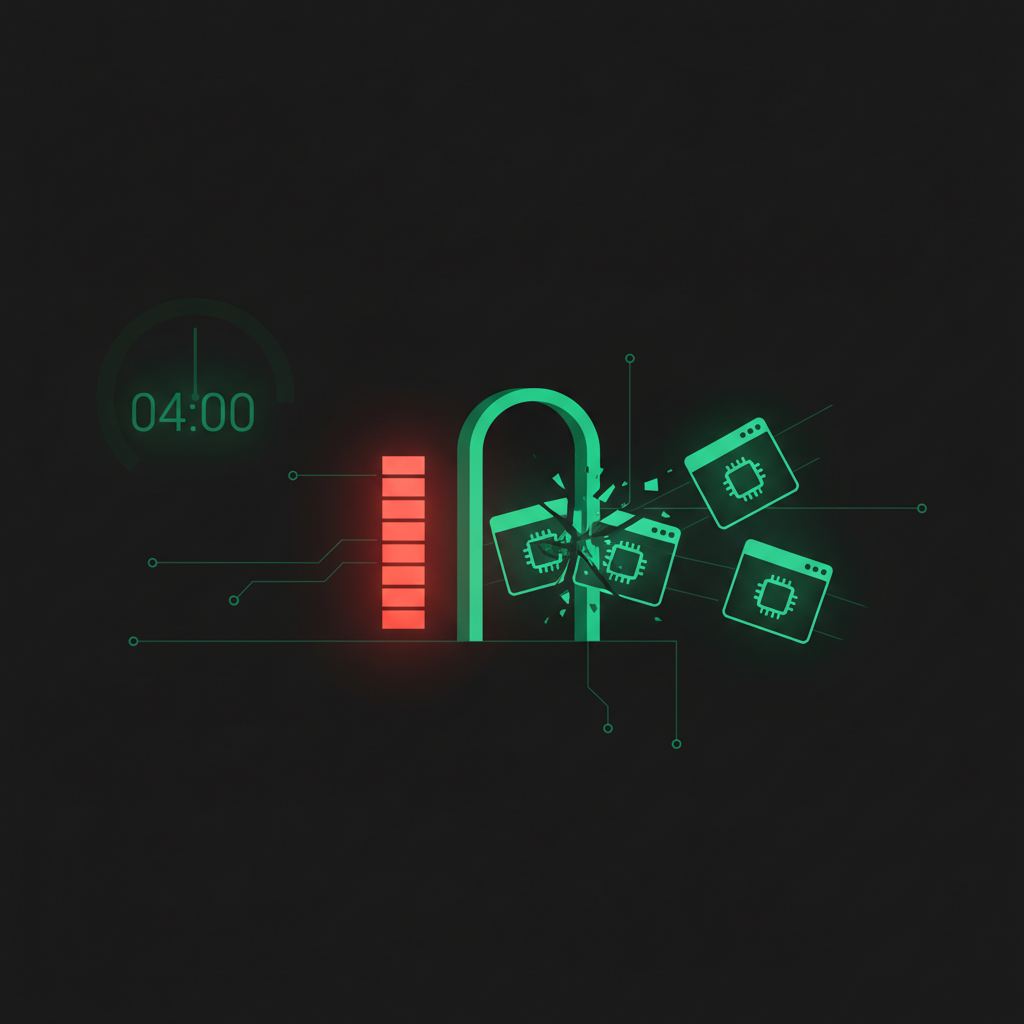
This one happened yesterday. A Newton customer's AI agent went "quietly dead" for an entire day. Every time they typed a question, the screen showed "thinking…" and just spun — forever. No answer ever came back. And the strange part: the day before, the exact same box was working perfectly fine.
When I actually dug in, the cause was darkly funny. The AI didn't break because anyone touched it. It broke because it tried to update itself. So today I want to walk through what happened, and how Tim — my AI agent — fixed it so it can't take a box down like that again.
The backstory — every night at 4 AM, the AI updates itself
A bit of context first. On every Newton customer's server, I have the AI quietly update itself at 4 AM. The customer does nothing. They wake up and they're already running the latest version. That's one of Newton's core promises — you never have to babysit the technical side.
Now, the newer version of Newton supports three different AI engines — Claude, Codex, and Antigravity. The customer picks whichever one they want. But my boxes have all three installed and ready to go. Which means that at 4 AM, the box isn't updating one engine — it's updating all three at the same time.
And that's exactly where it blew up.
What happened at 4 AM
This particular customer is on a small box — just 2GB of RAM. Normally that's plenty. But here's the catch: when these AI engines update, they aren't pulling down some tiny patch. Claude alone has to download a real program binary of around 245MB and lay it over the old one.
So at 4:00 AM sharp, all three engines woke up at once and started racing each other to download big files and grab RAM on one tiny machine. The RAM ran out completely.
When RAM runs dry, Linux has a mechanism called the OOM killer (Out Of Memory killer). Its job is simple: when the machine is about to run out of memory, it "shoots down" whichever program is eating the most RAM, to save the box from locking up entirely. And the program it happened to shoot was the one that was halfway through downloading an AI binary.
Why getting killed mid-install breaks it permanently
Here's the nasty part. Claude's installer works in two steps:
- Step 1 — drop a tiny "placeholder" file, just 500 bytes (this file doesn't actually work yet — it's only holding the spot).
- Step 2 — download the real 245MB program and overwrite that placeholder.
The OOM killer fired right when step 2 was still downloading. So the unusable 500-byte placeholder was still sitting there, while the real file never finished arriving. The result: the AI was left as nothing but a "shell" that exits instantly the moment you launch it.
That's exactly why the customer kept seeing "thinking…" with no end. Every time the system tried to launch the AI to do work, it opened the empty shell, which crashed on the spot. But the customer's screen had no idea — so it just kept spinning, waiting for an answer that was never coming.
The plain-language version — three people, one narrow doorway
Picture it like this. You've got a small house with a single narrow doorway. At 4 AM, three people suddenly try to squeeze through it at the same time — and each one is carrying a big box. What happens? They all jam up in the doorway. Nobody gets through. And the boxes get crushed and dropped right in the middle of the door. By morning the entrance is a mess and unusable.
The easiest fix isn't to widen the doorway. It's just to tell those three people: "go in one at a time, leave a gap between you." First person at 4:00, second at 4:20, third at 4:40. Everyone gets through easily, nobody collides.
That's the heart of the fix.
How Tim fixed it — stagger the timing, and let it heal itself
Once I pointed the problem out, Tim fixed it in two layers:
Layer one — stagger the schedule so they don't collide. The three used to update at 4:00 AM on the dot, all together. Tim shifted them: Claude at 4:00, Codex at 4:20, Antigravity at 4:40. With the timing spread out, each engine gets plenty of RAM to itself and never has to fight anyone. The OOM killer has no reason to shoot anything.
Layer two — let it check and repair itself. This one matters more. Tim wrote a small script (cli-autoupdate.sh) with a dead-simple principle: after every update, "try to launch the AI and see if it actually starts." If it boots fine, great, done. But if it finds the AI broken (just a shell), it deletes the half-finished files and re-downloads, right then.
So even if a round does fail somehow, the box catches it itself and repairs itself in a single pass — no waiting around for me or the customer to notice "wait, why is it so quiet?" It's like giving the box its own health check that it runs on itself.
How to spot a box with this exact symptom
While I was chasing this case, Tim also wrote the diagnostic recipe into its own memory, in case another box ever shows the same thing — open the system log and see whether the AI exits instantly on launch. If it does, check the program file's size. If it's only ~500 bytes (instead of hundreds of megabytes), then it's definitely hit this "empty shell" failure. Run the repair script and it's done.
Because the AI saved its own fix this way, next time it sees this, there's no fumbling around re-diagnosing from scratch — it opens the playbook it wrote for itself and fixes it in a minute.
Why this matters for Newton customers
This whole episode shows the difference between a real AI agent and a chatbot that just answers questions. When the AI is down in the engine room working for you day and night on your own private server, it also has to "keep itself alive" — updates, RAM, broken files and all. That's exactly the kind of technical headache a business owner should never have to deal with.
The part I'm proudest of: this customer didn't even message me to ask what was wrong. I caught it myself from the logs first, fixed it, then rolled the self-repair out to every customer box in one pass, so no other machine will ever hit this. That's what Newton actually sells — not just an AI, but "someone who looks after the AI for you," working quietly in the background the whole time. (It's the same reason I keep arguing that an AI should live on your own server, not someone else's platform — I control every layer, so I can fix every layer.)
And honestly, it's the kind of small, invisible detail that bites you when you skip it — the same way my AI quietly stopped saving its own memory for 3 days over one overlooked rule. The unglamorous stuff is the difference between a system that just works and one that silently dies on you.
If you're a business owner who wants a private AI agent running on your own server — working for you all day, updating itself, healing itself, without you ever touching the technical side — take a look at Newton. I handle all the messy back-end work; you just tell it what you need done. See how it works at newton.incomeinclick.com.
— Pond