
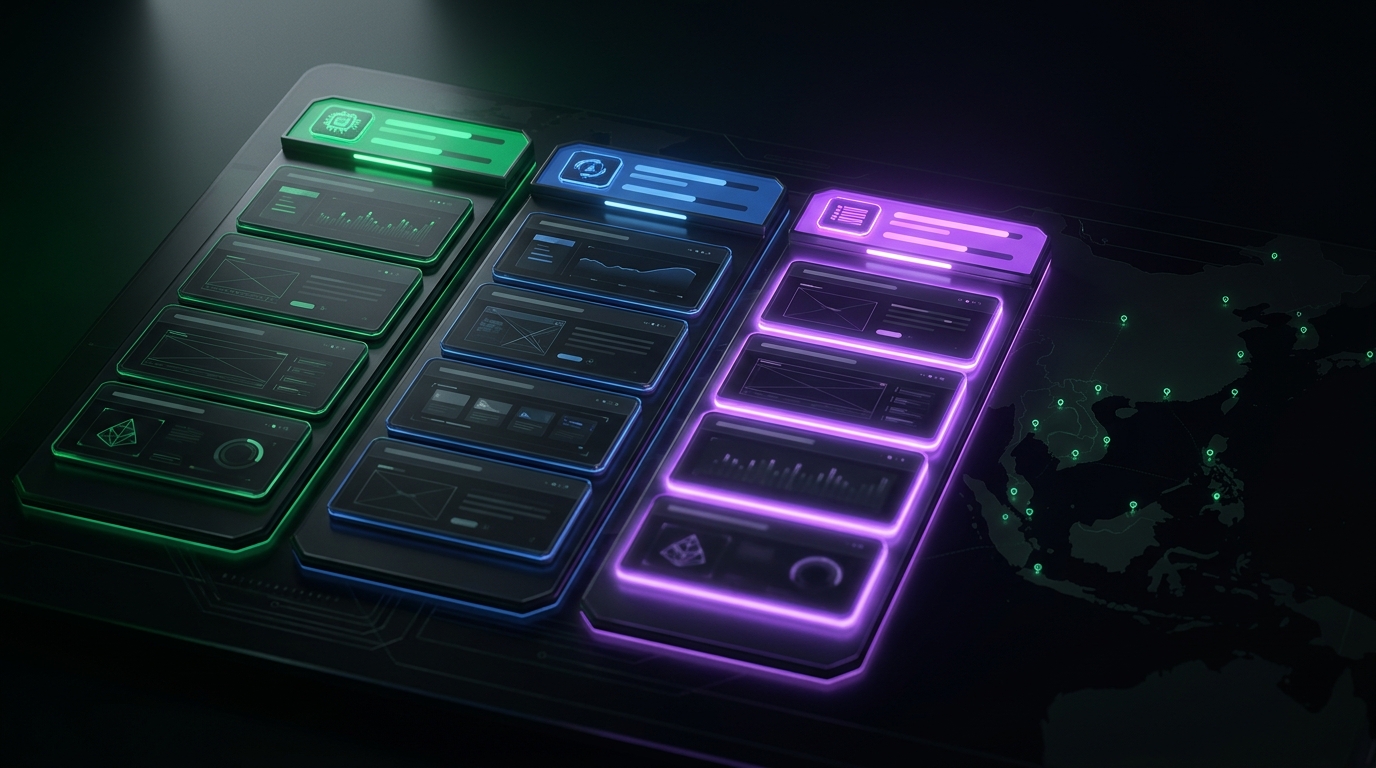
Last Monday I opened the launch dashboard my AI agent built me a couple of weeks back, saw 21 launch tasks already lined up for my own two SaaS variants — and then I had a small thought I couldn't shake. I also run a product for a client on a totally different server. He needs this exact same kind of weekly launch planning. By the next morning, the dashboard had a third tab with 7 client tasks already seeded in it.
The reason I'm writing this is that nothing about the second part was hard. There was no new dashboard, no new database, no new auth model. Tim — my AI agent — just spun off a new skill, added a cron slot, and the third tab appeared. That's the bit worth talking about, because no SaaS launch-planning tool I've ever paid for could have done it.
The setup: I don't only ship my own products
Quick context. I'm a solopreneur. Most of what I write about on this blog is my own SaaS — Newton, plus a handful of internal tools. But I also do technical-partner work for two or three clients on the side. I run their servers, I deploy their apps, I sit between them and the boring infrastructure stuff they don't want to think about.
One of those projects is a consumer app I'll call Whisperer — an AI product for a client of mine. It lives on the client's VPS at a different cloud provider, with a Postgres schema that looks nothing like my Newton SQLite, and a launch problem that looks pretty much exactly like mine.
What he needed was what I needed: someone to plan the week's organic-launch tasks. Which communities to post in, which threads to revive, which "build in public" updates to ship, which directories to submit to. Every Sunday night for months I'd open Notion, type some ideas for him, and DM the list over. About 90 minutes of my time a week, every week, for one client.
The moment I realized the dashboard could just do it
I was sitting at my own Monday-morning dashboard, watching the 21 prepopulated tasks load — 7 for my TH SaaS, 14 for my EN one. Tim seeds them automatically every Monday at 10:00 BKK, pulling live MRR and signup numbers straight from each SaaS database into the task description, so when I post "Newton just hit X users" I'm posting the real number, not last week's.
And I thought: this is exactly what my client needs. Same problem shape, completely different data source. Why am I still doing his version by hand in Notion?
I opened Tim Chat and typed one paragraph: "Add the client's product as a third tab on the dashboard. 7 tasks a week. Local-language posts for each market. No paid ads, no video — he has no budget for those. Pull his live user numbers in too."
Tim asked three clarifying questions back — task rotation pattern, language strategy, whether to actually SSH into the client's server to pull metrics — and I answered them in two more lines. Then I closed the laptop and did something else.
What I woke up to
Next morning, the dashboard had a third tab. Different color — purple instead of green, so I'd never confuse the client's queue with mine. Seven tasks already seeded for the week, one per day, rotating across different communities and channels. Each one had a draft post written, hashtags suggested, and — for the build-in-public day — the client's actual current user count baked straight into the copy.
The thing I want to call out is what Tim didn't do. He didn't take my existing launch-tracker skill and bolt a "which-project" flag onto it. He spun off a brand new sibling skill, a separate file, with its own logic.
When I asked him why, his reasoning was sharp: my own products live on my server, where he reads SQLite directly. The client's product lives on a Hetzner VPS with a Postgres schema he doesn't own. Mixing both into one skill would mean a single file branching on which-server-am-I-on, which-DB-am-I-querying, which-channels-am-I-allowed-to-use. Two clean skills was simpler than one tangled one.
This is exactly the kind of call I'd want a senior engineer to make. It's not the "AI just generates code" answer — it's the "AI made a structural decision I agreed with" answer.
The cron slot Tim added by itself
The other small thing that made me happy: Tim added a new cron entry without me asking. My existing two ran at 10:00 and 10:07 BKK every Monday — staggered by 7 minutes so I don't hit Claude rate limits when two heavy planning jobs fire at once. The new one slotted in at 10:14, same Monday morning, same 7-minute spacing. I didn't tell him to do that. He just looked at the existing pattern and continued it.
It's a tiny detail. But it's the kind of thing a junior dev would forget and you'd end up debugging at 11pm two weeks later when both jobs are hammering the API at the same instant and one fails silently. Tim doing it without prompting is what "my AI knows my infrastructure" actually looks like in practice.
The part that no SaaS could have done
For the build-in-public task each week, the draft post needs a live number — something like "Whisperer just crossed 1,200 users across 4 countries." Without the number, the post is generic. With the wrong (stale) number, the post is worse than generic.
Tim doesn't ask me to type the number in. He doesn't even ask me to dump it into an environment variable. When the planning job fires on Monday morning, he ssh's into the client's VPS using the SSH key I hold as the client's technical operator, docker exec's into the Postgres container, runs a SELECT count(*) on the users table plus a 7-day signups window, and drops the result straight into the task description.
If the SSH fails, or the query times out, he doesn't fabricate a number. He leaves a {N} placeholder in the post and a note for me to backfill it manually. No silent failure, no fake data — the same principle I've been hammering into him across other pipelines.
Now stop for a second and think about whether any off-the-shelf launch tracker — Notion, Trello, Asana, Linear, you name it — could do this. It would need an SSH key for my server and the client's. It would need to know which Postgres container to exec into. It would need to keep both contexts straight without leaking the client's user data into my own product's tab. None of them can do that, because none of them are designed to. They're designed for "one team, one workspace," not "one founder, several products, across multiple servers I happen to operate."
What this looks like in practice every Monday
Monday morning now: I open the dashboard, see three tabs side by side. Tab one — my TH SaaS, 7 tasks. Tab two — my EN SaaS, 14 tasks. Tab three — my client's product, 7 tasks. I work through them one at a time. Copy a draft, paste it into the right channel, tick "done." For the client's tab I forward the day's task to him over chat — his brand handles, his accounts, his posts — and he ships them.
The first week the new tab was live, he messaged me: "You're so fast now. Last week I was still writing this stuff by hand." I told him I wasn't writing it either — my AI was.
(He immediately asked if he could log into the dashboard himself. I said no, not yet — opening up my private tool to other people means thinking about permissions, data isolation, billing, multi-tenant auth, all the stuff I built this thing specifically without. But it's a tell. If a sophisticated client looks at my private internal tool and wants in, that's signal worth holding onto for later.)
This is what "owning your own AI" actually unlocks
When I first built the launch tracker, I built it for me. Two SaaS variants, one founder. I didn't think it'd ever serve anything else. Extending it to a client's product wasn't even on the roadmap — there was no roadmap.
But because I own the server, and Tim has SSH keys for the other servers I operate, and Tim has read access to every database I'm allowed to touch — there's a path. The path is: tell my AI what I need, in one paragraph, and let him figure out the structure. He's already got the cross-server brain. Adding a project to it is not a new feature. It's a configuration his existing brain knows how to absorb.
The next project I take on for someone else — a fourth product, fifth, sixth — won't take an evening either. The pattern is set. Tim clones the existing skill, swaps the data source, swaps the channel pool, adds a cron slot. The dashboard grows another tab. My Mondays don't get longer.
That's what no shared SaaS tool can do for me. ChatGPT and Claude.ai can't ssh into my server, let alone my client's. A Notion template can't pull live MRR from a SQLite file. An Asana automation can't docker exec into anyone's Postgres. My own AI on my own server can do every one of those things because I gave it the keys.
That's the whole pitch for Newton: a private AI agent on a private VPS that's yours. It comes with the same shape as Tim — same kind of cross-session memory, same ability to actually open files and SSH into things, same willingness to make a structural call instead of just generating code. If you ship your own products and you also do work for clients, the moment you stop trying to fit both into one shared tool and start letting your own AI agent bridge them, your Mondays change. See how Newton works →
— Pond