
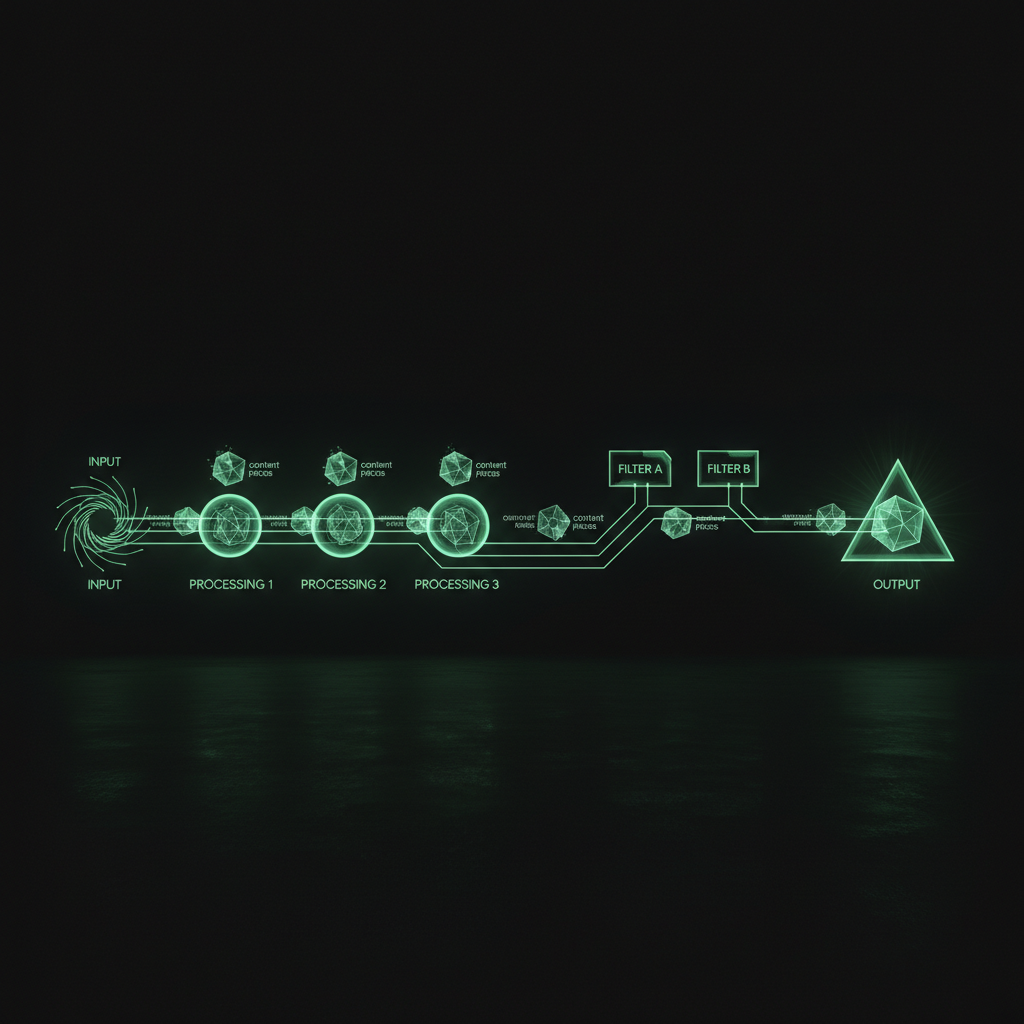
Every day, multiple Facebook pages I run get fresh content — videos, images, captions, hashtags — all created and posted automatically. No templates. No copy-paste. Every piece is unique, on-brand, and scheduled for the right time. Here's how the machine works.
The Platform: Loom
At the center of everything is Loom — a workflow automation platform I built from scratch. Think of it as a factory floor where each station handles one part of the content creation process. A piece of content flows through the stations, getting shaped and refined at each step, until it's ready to publish.
Why did I build my own platform instead of using existing tools? I wrote about that separately, but the short version is: nothing else did exactly what I needed.
The Pipeline: From Zero to Published
Every piece of content goes through the same basic pipeline — and if you want to understand how the whole system fits together end to end, I wrote a detailed breakdown of how the automated content system actually works.
Step 1: Generate an Idea
An AI model generates a content idea based on the page's niche. This isn't random — the system checks a lookup table of previously used topics to avoid repetition. Each page has its own content table, so ideas never overlap across pages even if they're in the same niche.
Step 2: Write the Script
Another AI step takes the idea and writes a full script — the narration text that will be turned into a video. The prompt is carefully tuned for each page's voice, language, and style. Some pages are mystical. Some are motivational. Some are educational. The AI adapts.
Step 3: Generate the Caption
A separate step creates the Facebook post caption — including the hook, the body text, and hashtags. This is optimized for engagement, not just information.
Step 4: Create the Video
The script gets turned into a video with AI-generated voiceover, visuals, and effects. This step uses external AI services that Loom orchestrates automatically.
Step 5: Post to Facebook
The finished video, caption, and hashtags get posted to the Facebook page via the Graph API. The system handles upload, publishing, and error recovery.
Step 6: Log Everything
Every piece of content gets recorded in a data table — the idea, script, caption, video URL, post ID, and timestamp. This is how the system avoids duplicates and tracks performance.
The Schedule
Each page has its own posting schedule, optimized for its target market's peak engagement hours. A page targeting Southeast Asian audiences posts at different times than one targeting a Western audience.
The scheduling system is smart enough to avoid conflicts — when multiple pages share the same server resources, posts are staggered so workflows don't compete with each other.
Multiple Formats
Most pages run multiple workflow types:
- Video workflows — the primary content type. These produce narrated videos with visuals and effects.
- Image workflows — static image posts with text overlays. These are simpler but still fully automated.
New pages start with video workflows only. Image workflows get activated later, once the page has enough video content to establish its identity.
Scaling Across Languages
This is where it gets interesting. Once a content pipeline works for one page, I can duplicate it into a new language. The workflow structure stays the same — only the AI prompts change. The system handles the rest.
This is how I went from running a few pages to running a network across multiple countries. For a concrete example, see how I scaled five Vietnamese pages from video-only to full automation — including image workflows and ad campaigns.
What Can Go Wrong
Plenty. AI models sometimes generate off-topic content. Video generation services occasionally fail. The Facebook API has rate limits and quirks. Prompts that work great for months suddenly need tweaking.
That's why I have Tim, my AI agent, monitoring the system — and why I built an eval system to measure content quality before it ever goes live. And that's why every workflow logs everything — so when something goes wrong, I can trace it back and fix it.
The content machine isn't a "set it and forget it" system. It's more like a garden — it needs regular attention, but the plants do most of the growing themselves. And increasingly, I'm finding that the best content comes not from pure AI generation, but from documenting real experiences and letting AI amplify them.
The system I described above took months to build piece by piece. If I were starting today, I'd use Newton — it gives you your own server with an AI agent that can set up these same content workflows, scheduling pipelines, and publishing automations. Your own content machine, without having to figure out the infrastructure yourself.
— Pond