
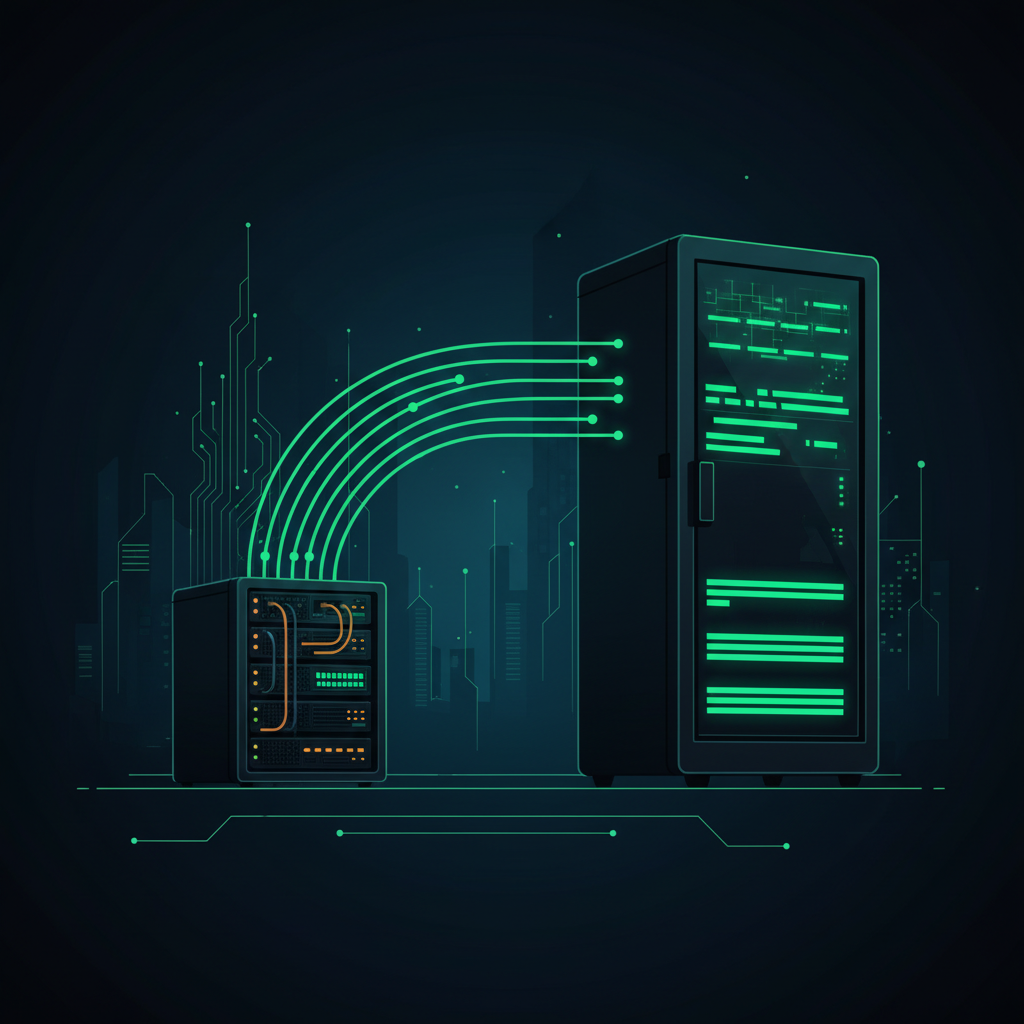
I needed to move everything from one server to a bigger one. Seven services, multiple databases, SSL certificates, cron jobs, Nginx configs, DNS — the kind of job that would take a developer a full day and probably break something. Tim did it in a few hours while I went about my day.
Why I Needed to Migrate
The old server was running out of headroom. 2 CPUs, 4GB RAM, 38GB disk. That was fine when I started, but the business had grown. Loom was running more workflows. Documentor was publishing more content. I added Libra for the KDP operation. Added Tim Chat so I could reach my AI from my phone. Added video generation backends. The server was handling all of it, but barely.
I spun up a new VPS: 8 CPUs, 15GB RAM, 300GB disk. Same provider, different plan. Then I told Tim to move everything over.
What Needed to Move
Seven services in total:
- Loom — the main automation engine that runs all my Facebook content workflows. Largest service, most complex dependencies.
- Documentor — the content creation and publishing platform. SQLite database with all scheduled and published posts.
- n8n — workflow automation running inside Docker. Needed the container plus all the workflow data inside it.
- Libra — the ebook dashboard for the KDP operation. Relatively simple but needed its database intact.
- Tim Chat — the web interface I use to talk to Tim from my phone. If this broke during migration, I couldn't talk to Tim to fix it.
- Nova and Astra — the video and image generation backends that feed into Loom.
- Nginx — reverse proxy handling all the domain routing and SSL termination for every service above.
Plus: SSL certificates for every subdomain, cron jobs for scheduled tasks, systemd service files so everything restarts automatically after a reboot, and DNS records pointing to the new IP.
How Tim Did It
I gave Tim SSH access to the new server and told him the plan. He worked through it methodically.
First he inventoried the old server — listed all services, checked their configs, noted which ports they ran on, found all the database files and where they lived. Then he set up the new server from scratch: installed dependencies, created directory structures, copied the codebase over, transferred databases.
For each service he would: stop the old one, copy the data, start the new one, verify it was running, then move on. He wrote new systemd service files for the new server path structure. He rebuilt the Nginx config from scratch rather than copying it over — cleaner that way.
The Docker situation with n8n needed a bit more care. He had to export the workflow data from inside the container, transfer it, import it into a fresh container on the new server, and verify all the workflows were intact.
The SSL Problem
After everything was up and running, I found that some subdomains were showing SSL errors. Certificate mismatch. The old certificates had been copied over but they were tied to the old server's Let's Encrypt setup and weren't renewing properly on the new machine.
Tim ran certbot for each affected domain, got fresh certificates, updated the Nginx config to point to the new cert paths, and reloaded Nginx. Fixed in about 10 minutes once the DNS had fully propagated to the new IP.
That's the kind of thing that derails a manual migration for hours — you think you're done, then one service is broken, and you're Googling error messages at midnight. Tim just found it, fixed it, and reported back.
The Old Server Is Off
Once everything checked out — all services responding, SSL clean, cron jobs running, content posting on schedule — I powered off the old server. It's gone. Everything lives on the new machine now.
The performance difference is immediately noticeable. Loom workflows that were slow to start now run fast. The AI generation backends have more memory headroom. I stopped hitting those periodic timeouts that would occasionally cause a workflow to fail and need restarting.
What This Says About AI Agents
A server migration is exactly the kind of task that's tedious for a human and completely fine for an AI. It's mostly reading documentation, running commands, checking outputs, and repeating — with enough variation that you can't just run a script.
Tim could hold the entire migration plan in context, remember which step he was on, adapt when something was slightly different than expected (like the SSL issue), and verify his work as he went. No mental fatigue. No "I'll figure out that weird error tomorrow." Just steady progress until it was done.
If you want to understand how Tim works in general — how an AI can have this kind of access and responsibility — I wrote the full explanation here. The server migration is a good example of what becomes possible once you give an AI real context about your systems. And the migration itself inspired the next step: building a shared brain so Tim's identity and memory automatically follow him to any new server, no manual setup required.
The reason I build my own infrastructure instead of using hosted services is exactly this: when everything is on my server, Tim can reach all of it. He's not blocked by APIs or permissions or third-party dashboards. He can SSH in and do whatever needs doing. That's also why I run my own email routing through Cloudflare instead of paying for a hosted email service — same philosophy, same control.
That's exactly why every Newton customer gets their own dedicated server. Not a sandboxed API. Not a chat window with no real access. A full server where your AI agent can SSH in, move files, configure services, and handle the kind of infrastructure work that would otherwise require hiring someone — fully provisioned in just 2 minutes from the moment you pay.
— Pond