
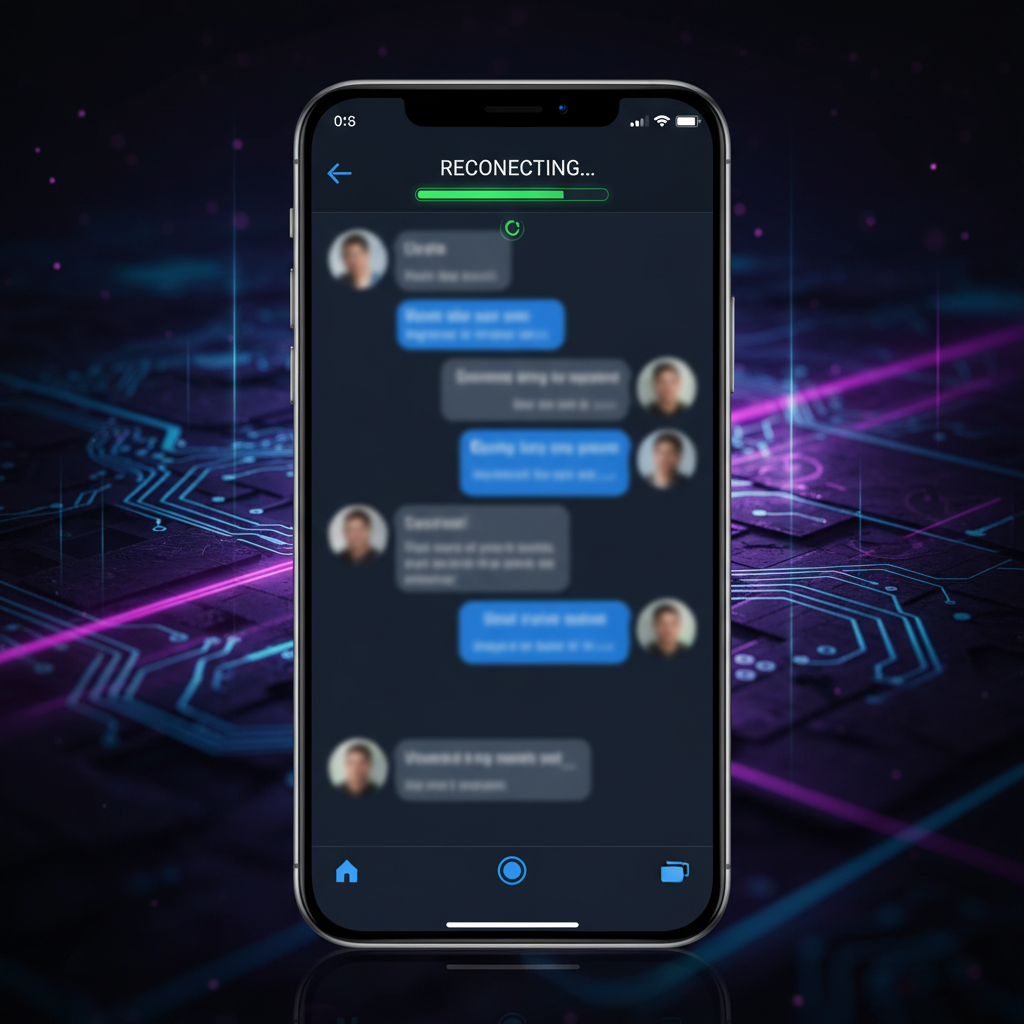
Every time I switched to another app on my phone — even for 30 seconds — my AI chat would disconnect. Coming back meant staring at a "reconnecting..." message for over a minute. I told my AI agent Tim to fix it. The whole thing was done in under 10 minutes.
The Problem
I built a web-based Chat UI so I could talk to my AI agent Tim from my phone. It works great when I'm actively using it. But on mobile, the moment you switch to another app — check a message, glance at email, anything — the browser gets suspended by the operating system.
This is a well-known problem with WebSocket connections on mobile devices. iOS and Android aggressively suspend background browser tabs to save battery. When the browser is suspended, the WebSocket connection silently dies. The server sends a heartbeat ping, gets no response, and terminates the connection.
The result: switch apps for 30 seconds, come back to a dead connection, wait 60+ seconds for reconnection. For something I use dozens of times a day, this was painful.
The Root Cause
I described the problem to Tim in plain language: "When I switch apps on my phone and come back, the connection drops and takes forever to reconnect." Tim read the entire codebase — both server and client — and identified three issues:
- Server was too aggressive. The WebSocket server checked heartbeats every 25 seconds. One missed heartbeat = instant termination. So if you were away from the browser for just 25 seconds, your connection was killed.
- Client was too slow to detect dead connections. When you returned to the app, the client assumed the connection was still alive (the browser reported it as "open" even though it was dead). It would take up to 60 seconds before realizing the connection was actually gone.
- Reconnect backoff was accumulating. Each failed reconnect attempt added delay — 2 seconds, then 4, then 6, up to 10 seconds. If the connection died while you were away, by the time you came back, the next reconnect attempt could be seconds away.
The Fix
Tim made three targeted changes:
1. Server tolerance: Allow 3 missed heartbeats
Instead of killing the connection after one missed ping, the server now tolerates up to 3 missed pings (~75 seconds). This means short app switches — checking a message, looking at a photo, glancing at a notification — won't kill your connection at all.
2. Active probing on resume
When the page becomes visible again (you switch back to the browser), the client immediately sends a ping to the server. If there's no response within 3 seconds, it declares the connection dead and forces a reconnect. Previously, it would just trust the browser's "connection is open" status and wait up to 60 seconds.
3. Reset reconnect backoff
When the user returns to the app, the reconnect delay resets to zero. No more accumulated delays — if reconnection is needed, it happens instantly.
The Result
Before the fix:
- Switch apps for 25+ seconds = disconnect
- Coming back = wait 60+ seconds for reconnection
After the fix:
- Switch apps for less than 75 seconds = no disconnect at all
- Switch for longer = reconnect within 3 seconds
The difference in daily usage is massive. I switch apps constantly — it's a phone, that's what you do. Now I barely notice any interruption.
Why This Matters Beyond the Bug Fix
This isn't really a story about WebSocket heartbeats. It's about how having an AI agent that understands your codebase changes the way you solve problems.
Without Tim, here's what this bug fix would have looked like:
- Notice the problem
- Open the codebase
- Read through the WebSocket server code
- Read through the client-side reconnection logic
- Identify the three separate issues
- Research WebSocket behavior on mobile browsers
- Write and test the fixes
- Deploy
That's probably a half-day of work for a competent developer. With Tim, I described the symptom in one sentence, and the fix was deployed in under 10 minutes.
This is the compounding advantage of building your own tools and having AI that knows them inside out. Every fix makes the tool better. Every improvement makes you faster. And the AI remembers everything — next time a similar issue comes up, it already knows the codebase, the architecture, and the patterns.
The Takeaway
If you're building web tools meant for mobile use, test them on your phone. Use them on your phone. The bugs you find from daily real-world usage are completely different from what you'd catch in desktop testing.
And if you have an AI agent working with you, don't just use it for building new features. Use it for the annoying little problems that you've been tolerating. Those small fixes compound into a dramatically better experience over time. Another example: when the chat showed a blank screen after resuming a session, Tim tracked down and fixed that too.
The best software isn't built in big releases. It's built one small fix at a time, by someone who actually uses it every day.
A WebSocket reconnection fix took Tim fifteen minutes. Finding the bug, understanding the mobile browser behavior, writing the solution, testing it. With Newton, you can throw these kinds of issues at your agent and move on — it handles the debugging while you handle the business.
— Pond