
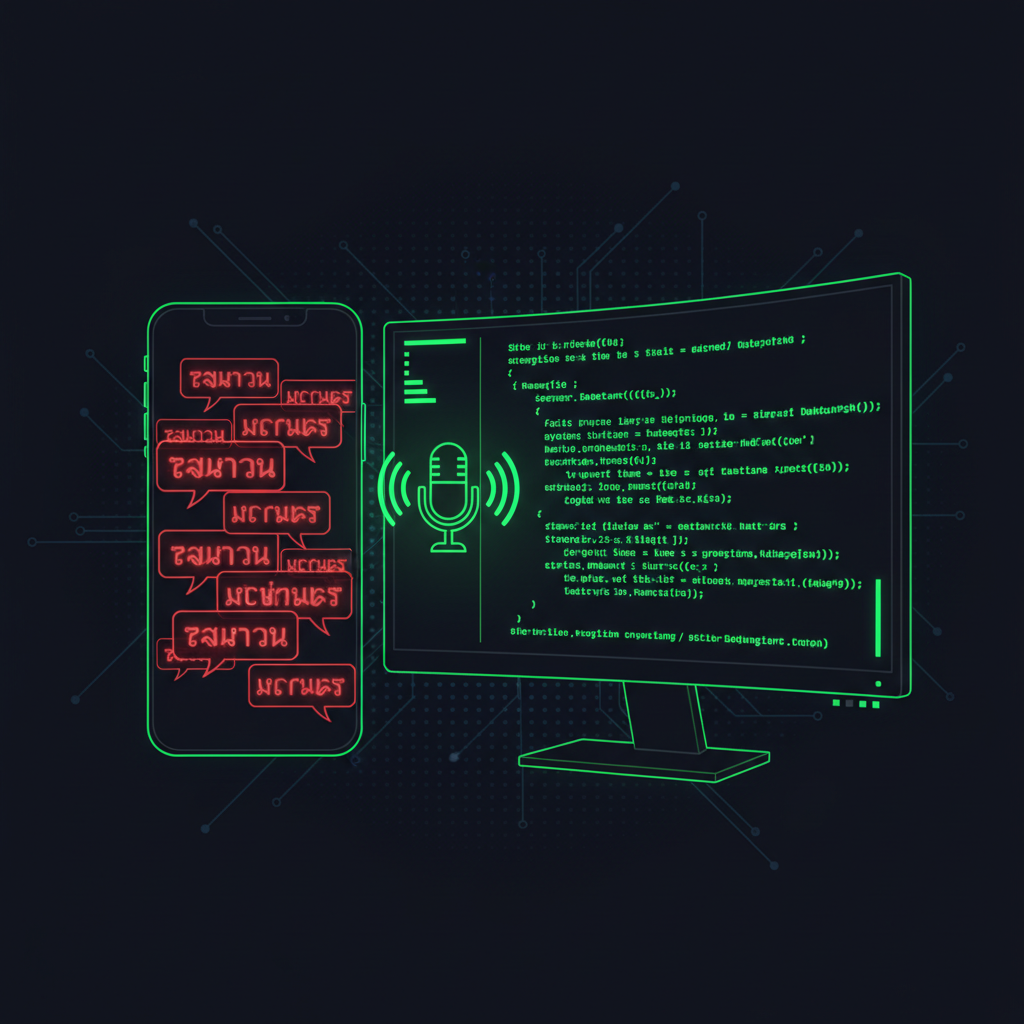
I was sitting in my car. I tapped the mic in Tim Chat on my phone and said "hello, mic check." When I looked down, the textarea read: "hello mic check hello mic check hello mic check hello mic check." Five copies of the same thing. It looked like the input box had an echo.
A few weeks ago I'd complained that typing on mobile was too slow, and Tim — my AI agent — shipped voice typing inside an hour. On the laptop it worked great. On the phone, the moment I tried to use it for real, this bug showed up. So today's story is how Tim went hunting for the root cause, found something Chrome doesn't tell you up front in the docs, and fixed it in two lines — and then had to rewrite the whole mobile strategy because there was a second bug hiding underneath.
The symptom: the more I spoke, the more it multiplied
Quick context — Tim Chat is the chat interface I use to talk to Tim. It runs on my own server, and I use it from my phone all the time. On desktop the mic was clean. On mobile, this is what I'd see:
- Tap mic, say "hello" → textarea shows "hello." Fine.
- Say "mic check" → textarea shows "hello mic check." Still fine.
- Pause a moment, say "again" → textarea shows "hello mic check hello mic check again."
- Keep going and earlier words come back to haunt me on every new utterance.
The longer the recording, the worse the stutter. You can't actually submit anything because you'd spend more time deleting duplicates than just typing the message by hand.
My first guess was wrong
I opened a task with Tim and threw out a hypothesis right away — "must be iOS Safari, that browser is weird." Tim didn't take the bait. It asked for console.log first.
Tim added a log line inside the onresult handler of webkitSpeechRecognition, every event, and asked me to open Safari on my phone, talk, and send back the log output. Within a minute it was obvious: this wasn't iOS-only. The same problem reproduced on Chrome on the same phone. My hypothesis was wrong.
What the logs showed: every time the speech engine fired an onresult event, event.results came back as the cumulative array of everything spoken since the session started — not just the new chunk. That's the root cause.
So if I said five sentences, the fifth event arrived with all five inside it. Tim's earlier code looped from index 0 every time and appended each result to the textarea. Every tick, the engine handed back the full history, and the code dutifully appended the full history again. Five short sentences turned into a stutter pile.
Google's main docs don't shout this. There's an event.resultIndex property you're supposed to use as the starting point, but you only spot it if you read the deeper example code. Tim didn't trust the docs — it watched the actual events come through and figured the shape out from real behavior.
The fix: two lines
The whole patch was small:
- Loop from
event.resultIndexinstead of 0, so only the newly arrived results get processed. - Track
finalTranscriptin a closure separately from the interim text, and on every event recompute the textarea asbase + final + interiminstead of appending.
Final shape, roughly:
recognition.onresult = (event) => {
let interim = "";
for (let i = event.resultIndex; i < event.results.length; i++) {
const t = event.results[i][0].transcript;
if (event.results[i].isFinal) finalTranscript += t;
else interim += t;
}
input.value = baseValue + finalTranscript + interim;
};
Desktop: perfect. No more stutter. Mobile: looked clean for the first 30 seconds — and then the bug came back wearing a different shape.
The second layer: iOS plays by its own rules
The first version used continuous: false on mobile and continuous: true on desktop, because everywhere on the internet says "iOS doesn't honor continuous mode." Which meant on iOS, any time I paused for about a second, the session ended on its own. To make voice typing feel continuous, Tim had wired up onend to call recognition.start() again automatically.
Here's the kicker. When iOS starts a new session after one of those automatic restarts, it carries the previous session's results forward into the new event.results array. So the cumulative array doesn't reset at session boundaries. That broke the resultIndex trick, and the old sentences came right back as duplicates of duplicates.
So Tim rewrote the strategy:
- Desktop:
continuous=trueplus auto-restart inonendwhile the user is still recording — because Chrome desktop quietly cuts a session after ~30 seconds of silence and you have to restart it yourself. - Mobile:
continuous=trueas well, but no auto-restart. Let the session end naturally when iOS decides to end it. The user taps the mic again to keep going.
That turns mobile into a "one tap = one utterance" pattern. No more results bleeding from session to session. The bug is gone, and you don't notice the limitation in normal use — most messages on mobile are one breath anyway.
Bonus thing Tim found: there's no real auto-detect for language
While digging through this Tim picked up something else worth saying out loud: the Web Speech API has no real runtime language detection. You have to set recognition.lang = "en-US" or "th-TH" before calling .start(), and it will only recognize that one language for the whole session. Mix two languages in a sentence and you get the one you set plus garbled guesses for the other.
A lot of people (me included, at first) assume the browser will be smart enough to figure it out. It won't. That's why I ship an explicit TH/EN toggle in Tim Chat — and why my Newton customers get a 24-language dropdown in their dashboard. The browser isn't giving you that for free.
Three lessons I took out of this one
I'm not telling this story for the technical detail. I'm telling it because there are three business-shaped lessons that keep coming up across other bugs.
1. Don't trust docs blindly. Verify with real behavior. Same lesson I had to learn when the Gemini 3 thinking-level config docs lied — the docs said flat keys, the API wanted nested. Web Speech API does the same thing here. Tim didn't argue with the docs, it just logged events and watched.
2. One bug can have multiple layers. Fix the surface and the deeper one still bites. I was ready to ship after the two-line fix. Tim wasn't — it opened iOS, tested for real, and that's where the second bug came out. Having an AI that actually exercises desktop and mobile in the same session is how you stop shipping half-fixes to your users.
3. Platform defaults optimize for the demo, not for production. The Web Speech API was designed for "say one short thing." Nobody at Google was building long-form dictation with it. Push the API past its intended use and you hit cumulative arrays and cross-session bleed. The skill is being willing to find out instead of giving up at the first weirdness.
This is why I have my own AI on my own server
If I were paying $20/month for a SaaS chat app with voice typing baked in, this bug wouldn't exist for me — but neither would the fix. I'd be stuck inside someone else's UI, with someone else's roadmap, hoping their next sprint included the mobile experience I happen to need. I'd rather just own the code.
Because Tim Chat is my code, Tim had full access to the onresult handler and could log, trace, and rewrite it line by line. No vendor support tickets. No "we'll add it to the backlog." No six-month wait. Same session, problem solved. And the same loop runs for bigger things — Tim has pushed a fix to six customer servers in under an hour when one Newton customer's chat replies were getting cut off, and once argued to delete a broken password field instead of fixing it because deletion was the right call.
That's the real leverage of an AI agent — the ability to debug and fix anything you own, not just the ability to write new code. The difference between "using AI" and having AI work for you is whether your AI can actually open the file and change it. The audio going the other way had its own gremlin too — a few weeks later the notification sound kept vanishing after every reload, and Tim chased that one down to browser autoplay policy.
If you want an AI agent like this on your own private server — pre-installed, ready to go, no setup — that's exactly what Newton is. You sign up, the auto-provision pipeline spins up your VPS in about two minutes, and you log into your own Tim Chat with voice typing already wired up. Then you can start handing your AI the kind of debug job I gave Tim today. See how Newton works →
— Pond